
Logs View: Two years in the making, one day of migration
Sep 20, 2026 | by Maximilian Kaske | [engineering]
In August 2024 I started a data table for openstatus and we secured the logs.run domain. In August 2026 we finally moved it into the openstatus dashboard.
It took us two years of constant improvements, on the UI/UX and on the DX side. It took us one day to migrate it.
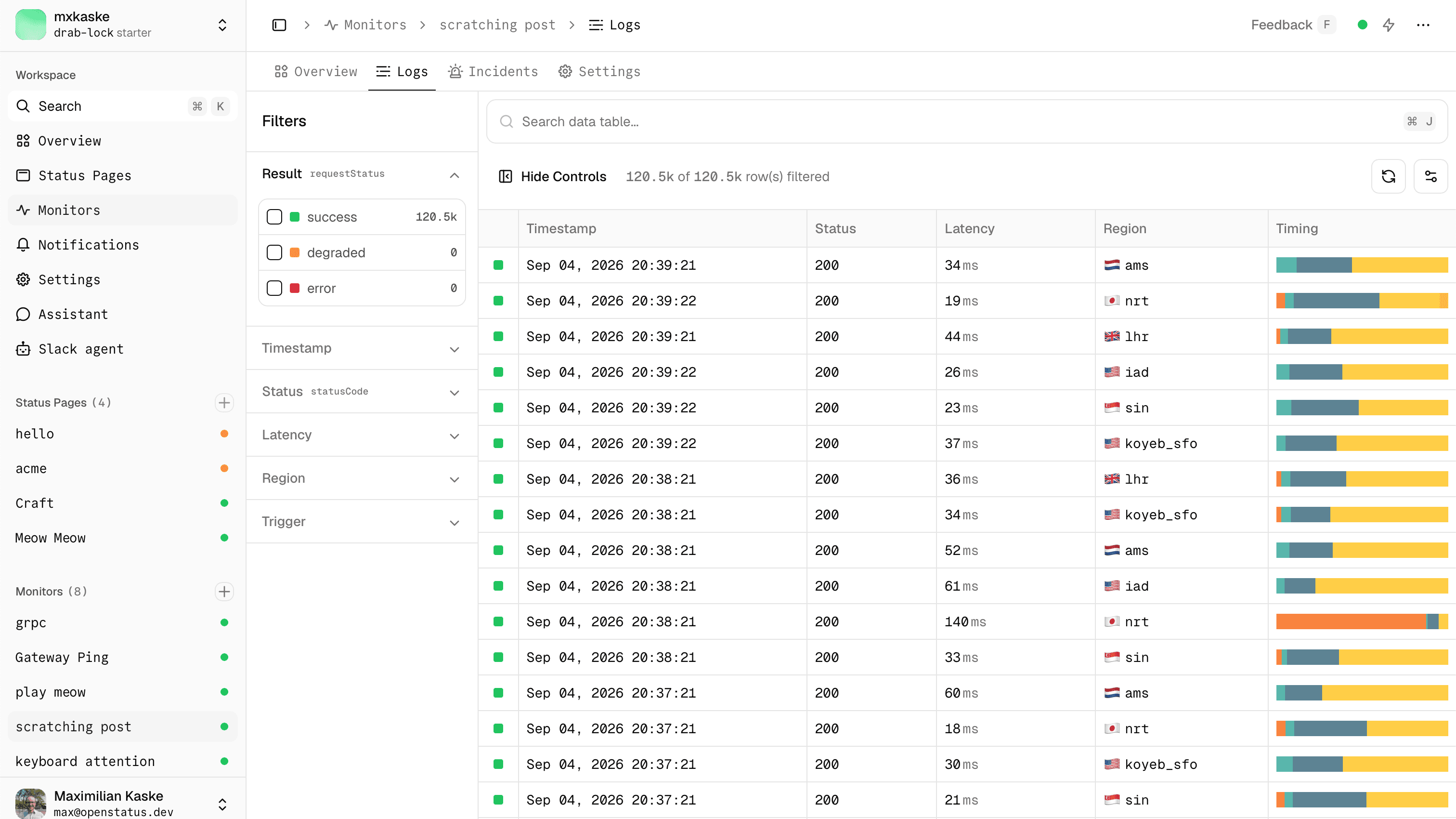
Filters and table
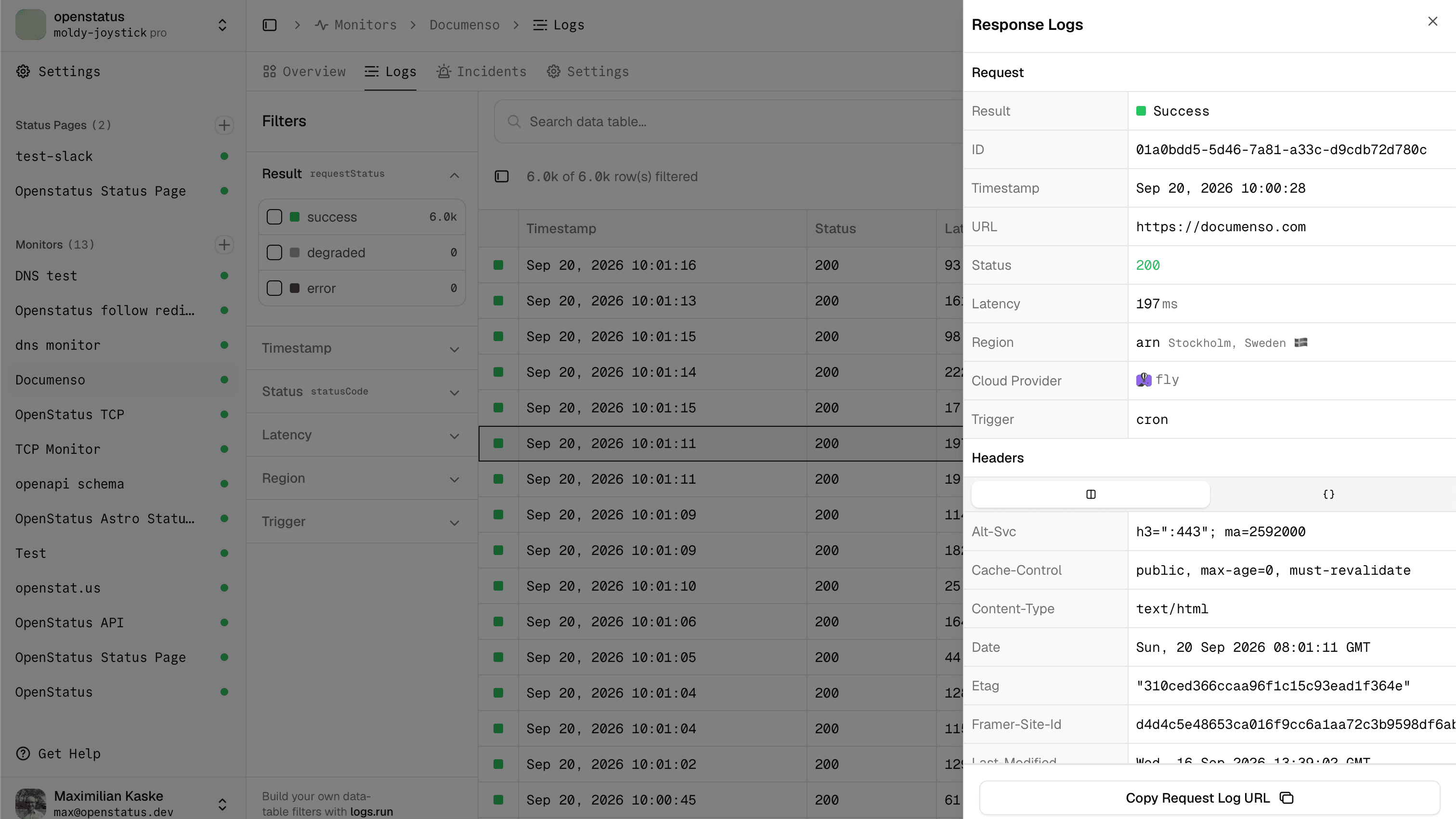
Row details
Why it lived outside openstatus
We started data-table-filters as a standalone test repository to build really good logs interfaces, with the main focus on filters. As you might know from template.openstatus.dev, we like to experiment first before moving something into our core repo.
I wanted a DX architecture that lets you create clean, opinionated data tables over and over again, from clean primitives. shadcn was the obvious choice. Back then the registry was brand new, the directory didn't exist, and AI could barely help you build any of it.
We built it on the libraries we think are the best out there:
- nuqs for URL state
- TanStack Table and Query
- Radix UI
Base UI is supported too. Our own repo still runs on Radix. There's an open issue if you want to help move it.
We recently upgraded everything (TanStack Table v9, date-fns v4, Recharts v3), so there shouldn't be a version mismatch when you bring it into your project. If there is, open an issue or send a PR.
How it grew
The first iterations were hand-crafted, including the design of how you configure a data table. The main source of inspiration was the Datadog dashboard, where you can work a log stream without ever touching the mouse.
Then it grew: first the sidebar, then the command palette, then the infinite data table (the hero), the zoomable timeline chart, live mode, and more on top.
I know, I know. It's 2026 and only a few of us still look at beautifully crafted data table UIs. Everyone else is busy wiring up MCP servers and letting agents do the looking. So we made the table talk to the agents too btw.
So now with AI, you can go a lot further:
DataTableAutoinfers the columns from your row types.createDrizzleHandlergives you filtering, sorting and cursor pagination for the infinite table without rebuilding that logic yourself.createTableMCPHandlerexposes your table schema as an MCP endpoint.DataTableFilterAICommandandcreateAIFilterHandlerturn natural language in the command palette into filters.DataTableRemoterenders a headless table from an endpoint that returns the schema and the data, so the server decides how the table looks.
There's so much you can do with it. I'm a bit obsessed with this repo. I care a lot about it, and I also know it doesn't bring openstatus any money. Awareness is always good, but devs often do not pay for open-source work.
Who it inspired
What makes me really proud: bigger companies picked it up as a reference for their own logs.
- Supabase gave us a shoutout in their new observability features post, and it served as the reference for their Unified Logs.
- Langfuse took inspiration from it for their tables.
And away from the big names, people fork it and build their own logs UI on it. Every now and then I stumble on a repo crediting us in the README, which is really nice to see.
Built something with it? Let us know and we'll add it to the list.
Getting started
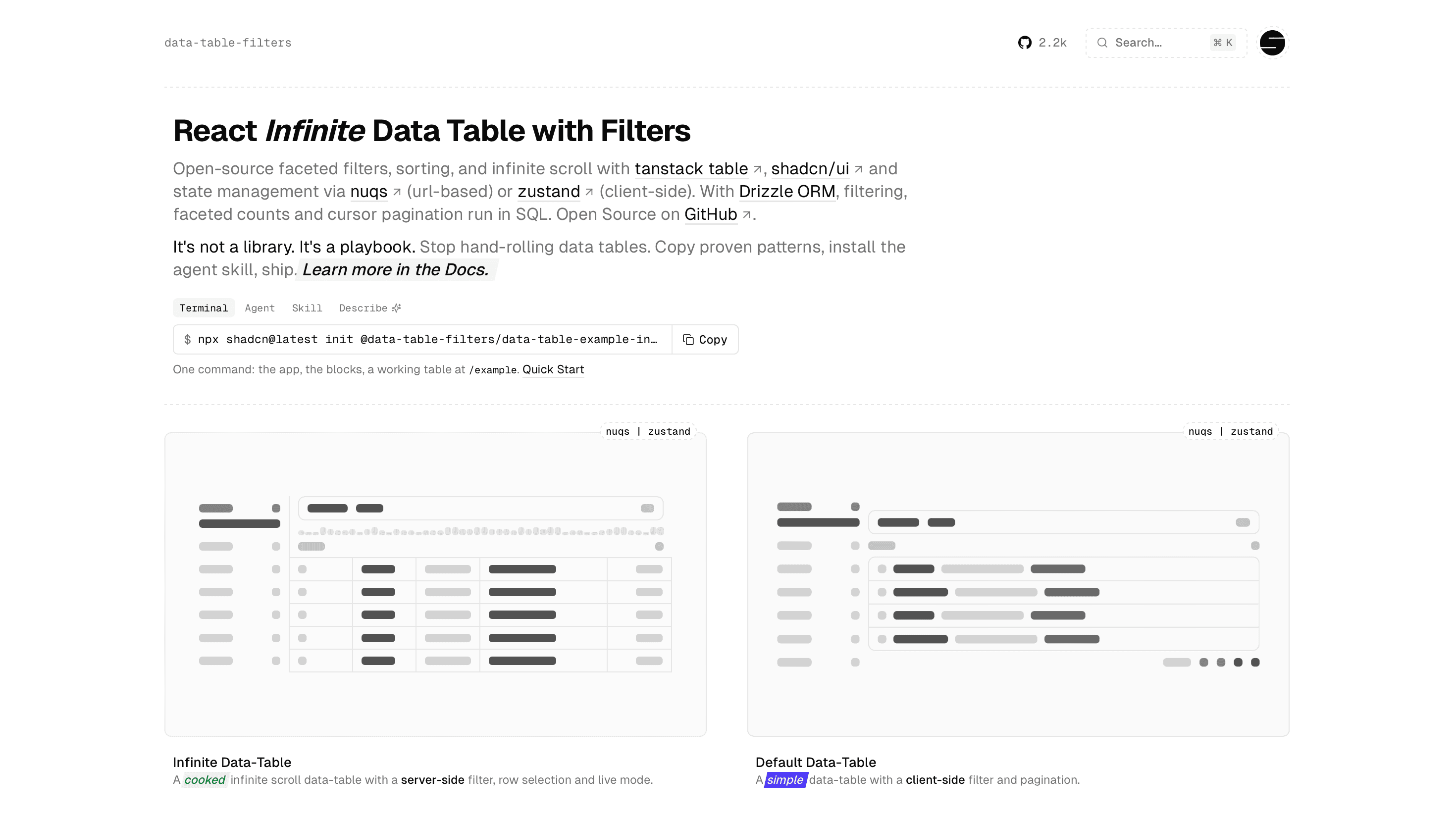
We kept making it faster to pick up:
- Every docs page is also available as markdown. Append
.mdto the URL, for example /docs/quick-start.md. Agents withtext/markdownheaders will also access it. llms.txttells your agent exactly where to pick up.- We own the
@data-table-filtersnamespace in the shadcn directory, so there's no registry config to set up in yourcomponents.json. - One
shadcn initcommand gets you from nothing to a working app:
npx shadcn@latest init @data-table-filters/data-table-example-infinite --name data-table-app --template next -p nova
That creates a Next.js app on Base UI with a working /example route: filters, facets, cursor pagination, URL state, the row sheet and the timeline chart. Add -b radix before -p nova if you prefer Radix.
Already have a project?
npx shadcn@latest add @data-table-filters/data-table
While you're here, don't forget to star it on GitHub.
Cheers, Max